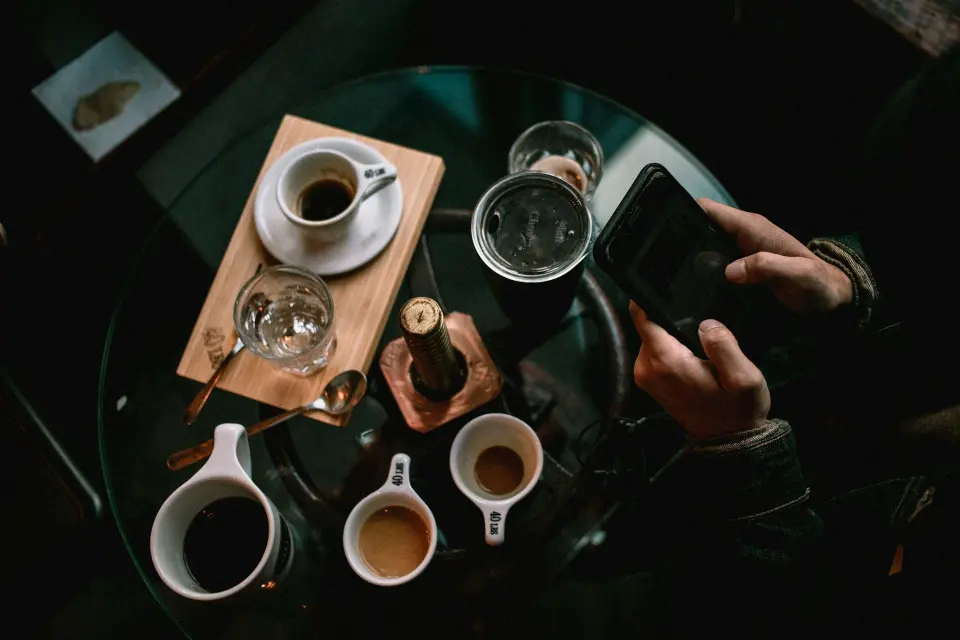
CoffeeBox's smartphone guide emphasizes side light and contrast when photographing coffee. A window can be a useful starting point, but the best direction depends on weather, room layout and the surface of the cup. There is no universal morning or afternoon hour that works in every home.
For visible vapor, try side or back lighting against a darker, uncluttered background. Visible wisps are condensed droplets rather than smoke from a well-brewed cup, and their appearance depends on temperature and surrounding air. Prepare the frame before pouring so you can photograph promptly without rushing hot-water handling. Keep the phone and support away from spills.
Tap to set focus and exposure, then compare a few frames. Portrait-mode processing may blur fine wisps or cup edges incorrectly, so a normal camera mode can sometimes work better. Avoid mixing strongly different light colors unless the effect is intentional. Crop distractions and keep edits modest if documenting the actual drink. The useful improvement comes from observing light and composition, not claiming that one origin or roast creates more photogenic steam.
The conversation
A good question can make a better brew.